Hi there, friend! |
Remember what we talked about last time? That’s right, the video converter, the tons of formats, and everything. Wrapping up the Suite’s highlights is an app that helps you record your screen and audio like a pro. |
|
|
|
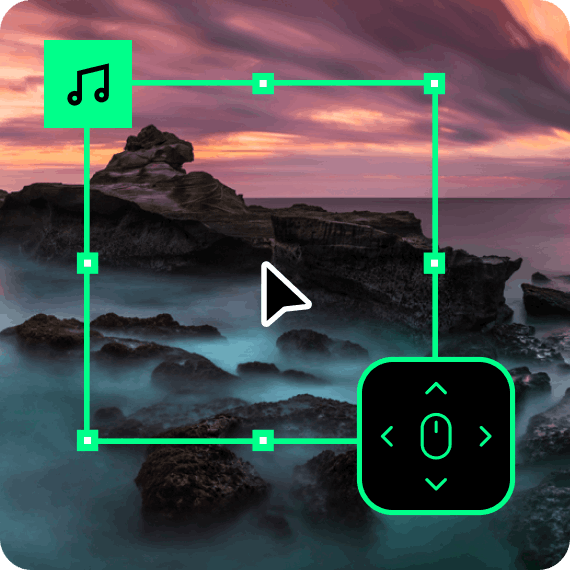
This many-hit wonder lets you record basically anything you do on your computer – cursor movements, keyboard inputs, you name it. You can also grab videos from your webcam or even a TV tuner. It's so easy you won't believe it! |
|
Hit the big red REC button and enjoy the sound of your voice on a mic or your system audio. |
|
|
|
Now you’ll be able to save all those webinars, online presentations, podcasts, and tutorials you can’t make it to and watch them later |
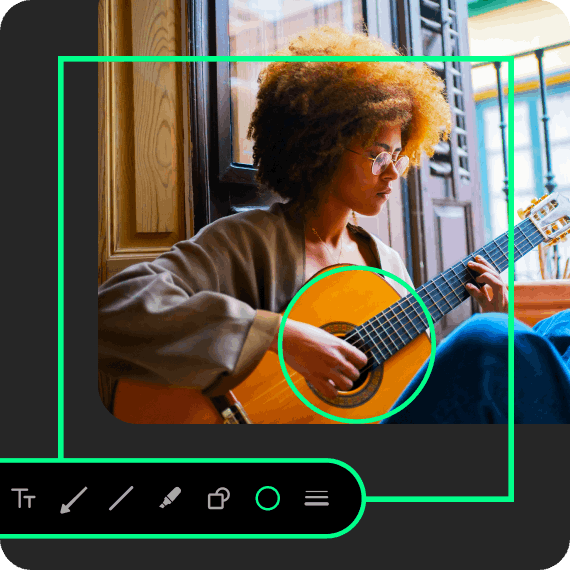
You can even create screencasts and share them with your squad, family, or colleagues. Make your videos more engaging with real-time drawing. The screen’s the limit! |
|
|
|
MOVAVI VIDEO SUITE + STARTER EFFECTS |
Use only the top-tier AI-powered multimedia tools in Movavi Video Suite and cyber-enhance your vids with countless effects in the included Starter Bundle for maximum impact. |
| BUY NOW >>> |
|
|
|
| READY TO BECOME A CONTENT CREATOR? |
| EADY TO BECOME A CONTENT CREATOR? |
Movavi Video Suite has everything you need to shake off your fears and create like-worthy videos in seconds! |
|
|
|
|
|
| WHAT’S NEXT? |
| WHAT’S NEXT? |
More on why Movavi Video Suite is so special. Stay tuned! |
|
|
|
|
|
|
|
Creativity is the way to go!
The Movavi Team
|
|
|
|
|
|